0.3.2
Fixed
- Held keys: holding a key that types a character in a number box now keeps typing it
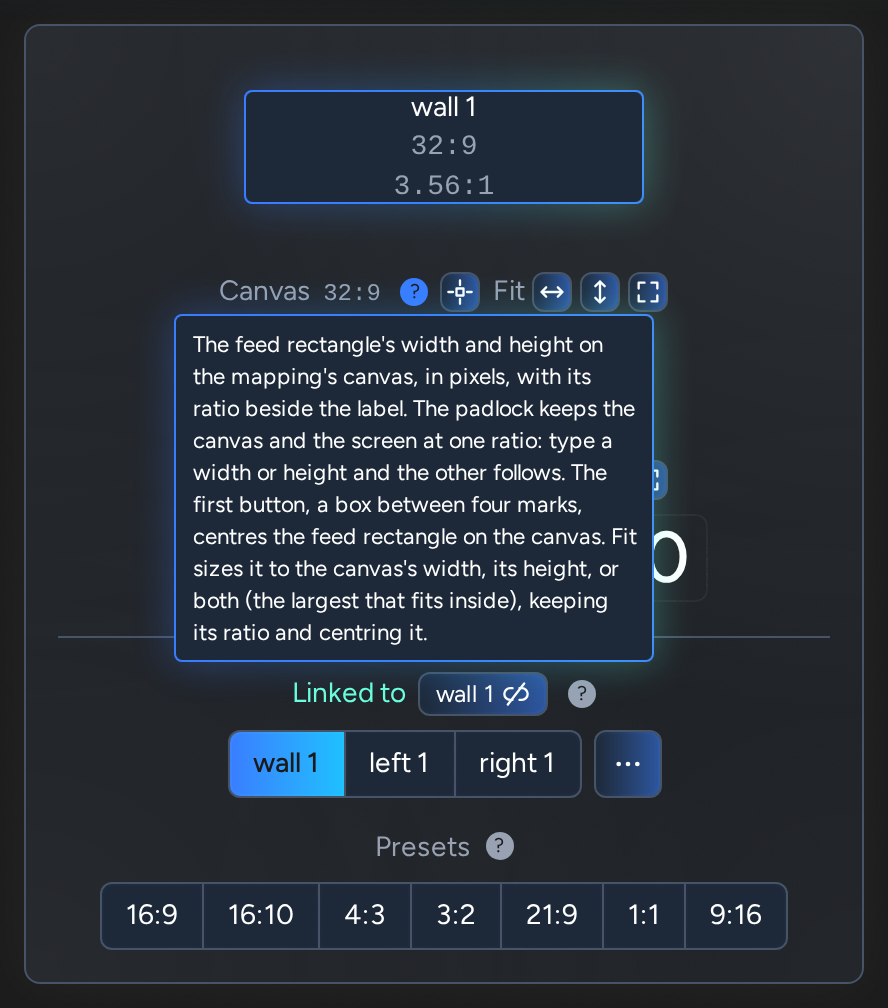
- Tooltips: tooltips are only as wide as they for the centre and fit buttons

Disguise Designer plugin
An aspect ratio calculator for Disguise Designer. Choose or type a ratio, then type a width or height to get the other, or type a size to find its ratio.
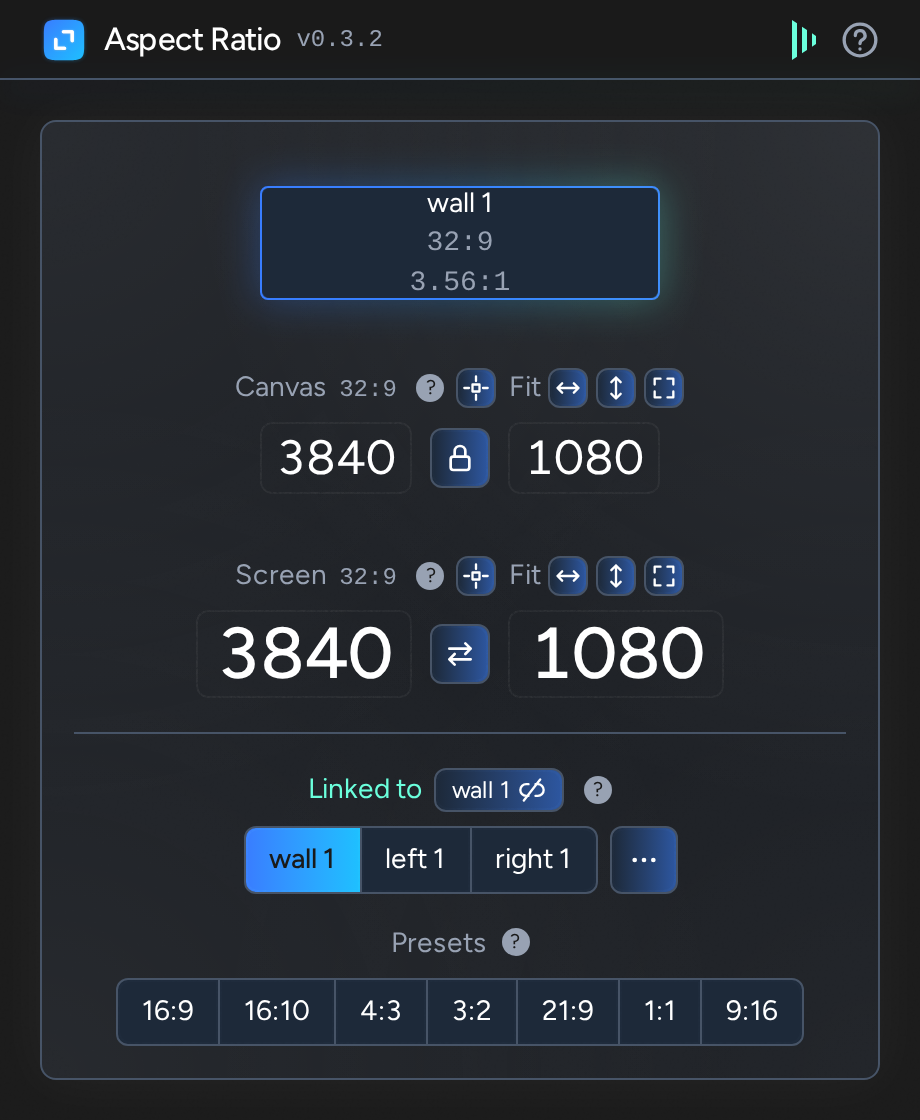
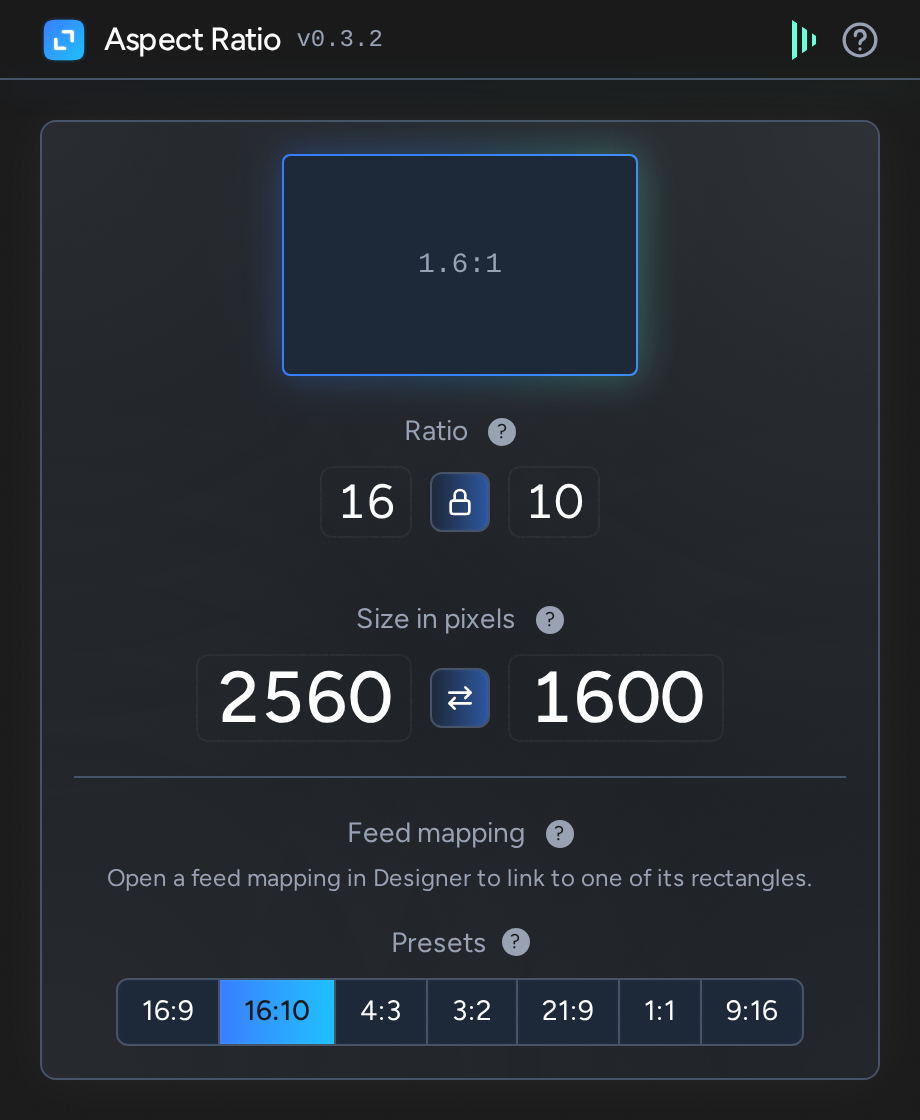
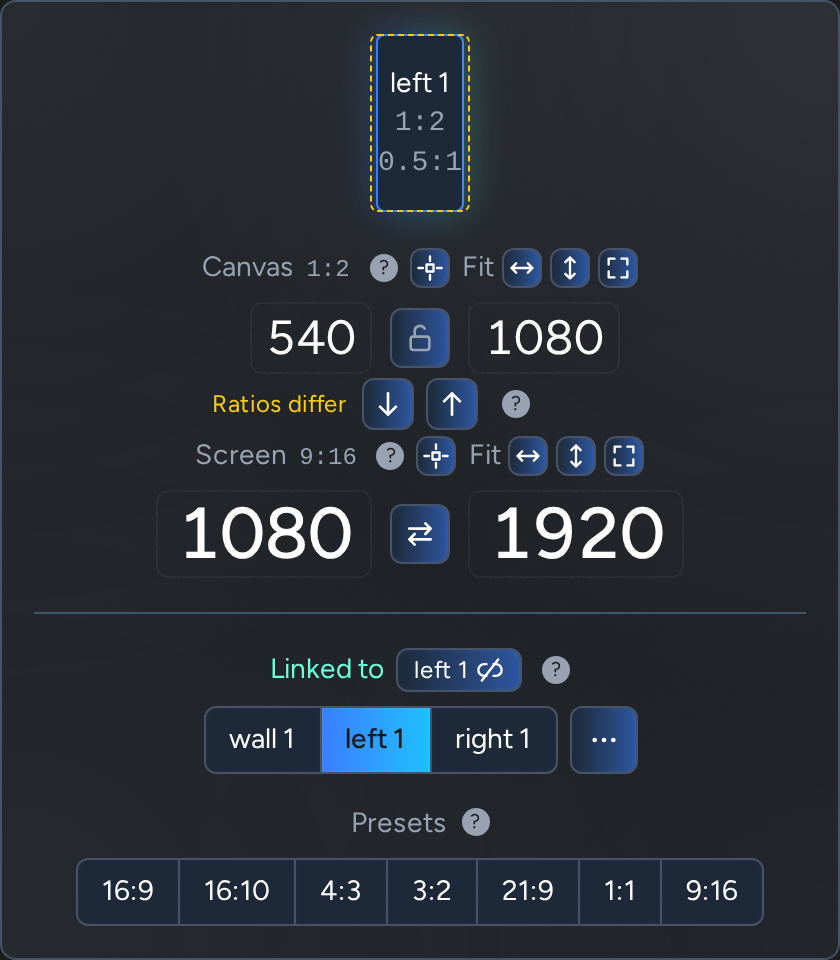
Works out sizes that keep an aspect ratio, and the aspect ratio of a size.
To find the ratio of a size instead, click the padlock between the ratio's two numbers to unlock it, then type both the width and the height.
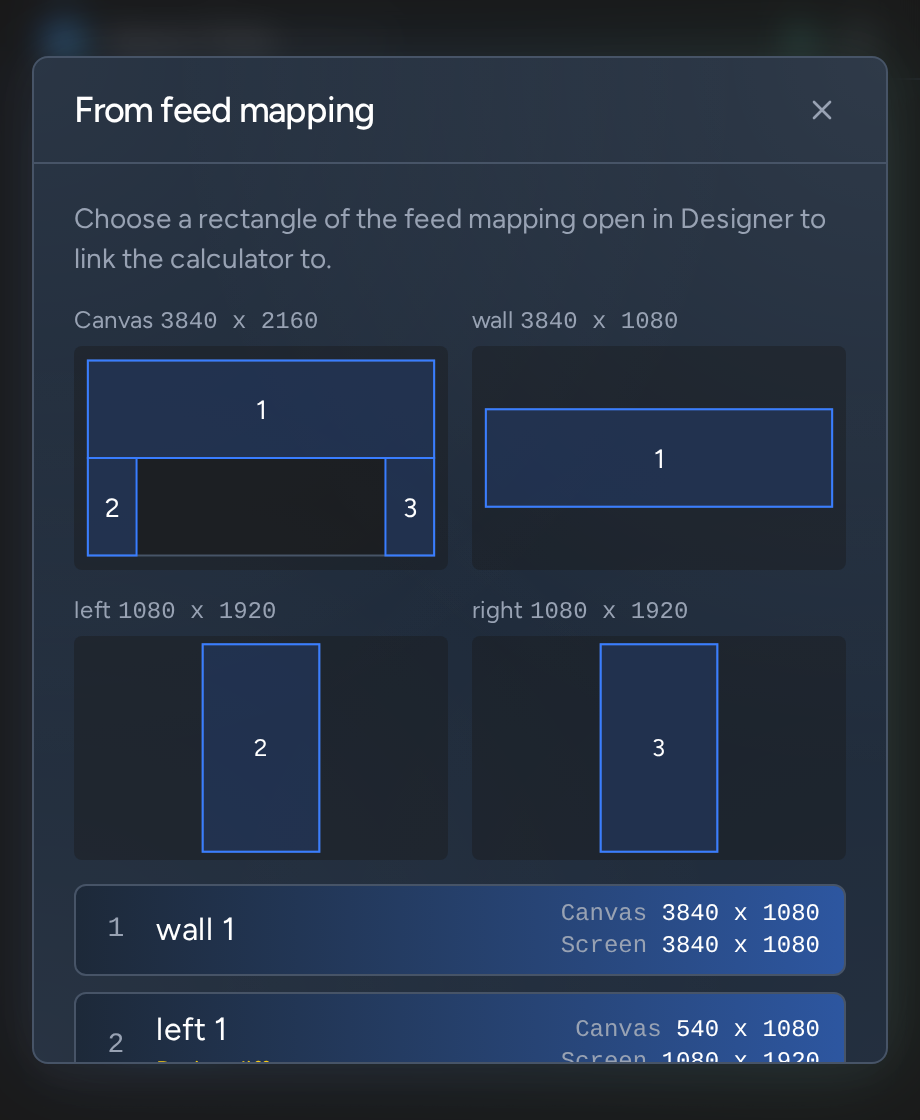
Open a feed mapping in Designer and its rectangles appear under Feed mapping. Click one to link the calculator to it. The three dots show them all, drawn where they sit on the canvas and on the screen. Designer doesn't tell plugins which rectangle is selected.
While linked, the heading turns green and reads Linked to with the rectangle's name, and the shape at the top gently pulses:
Click the linked rectangle again, or the button with its name beside Linked to, to unlink and go back to a plain calculator.
The ratio, the size and the padlock are remembered for next time.
Hover the ? beside any setting for what it does.
Initial version.
GN_AspectRatio folder into a Plugins folder: your project's, to use it in that project, or d3 Projects/common/Plugins, to use it in every project on that machine.Every plugin has a generous licence that doesn't limit its use in production. There are no licence keys or online activations, and the files are an instant download.
We hope you work in good faith: if you use a plugin commercially, pay to support its development, and don't pass it on.
Read the licence